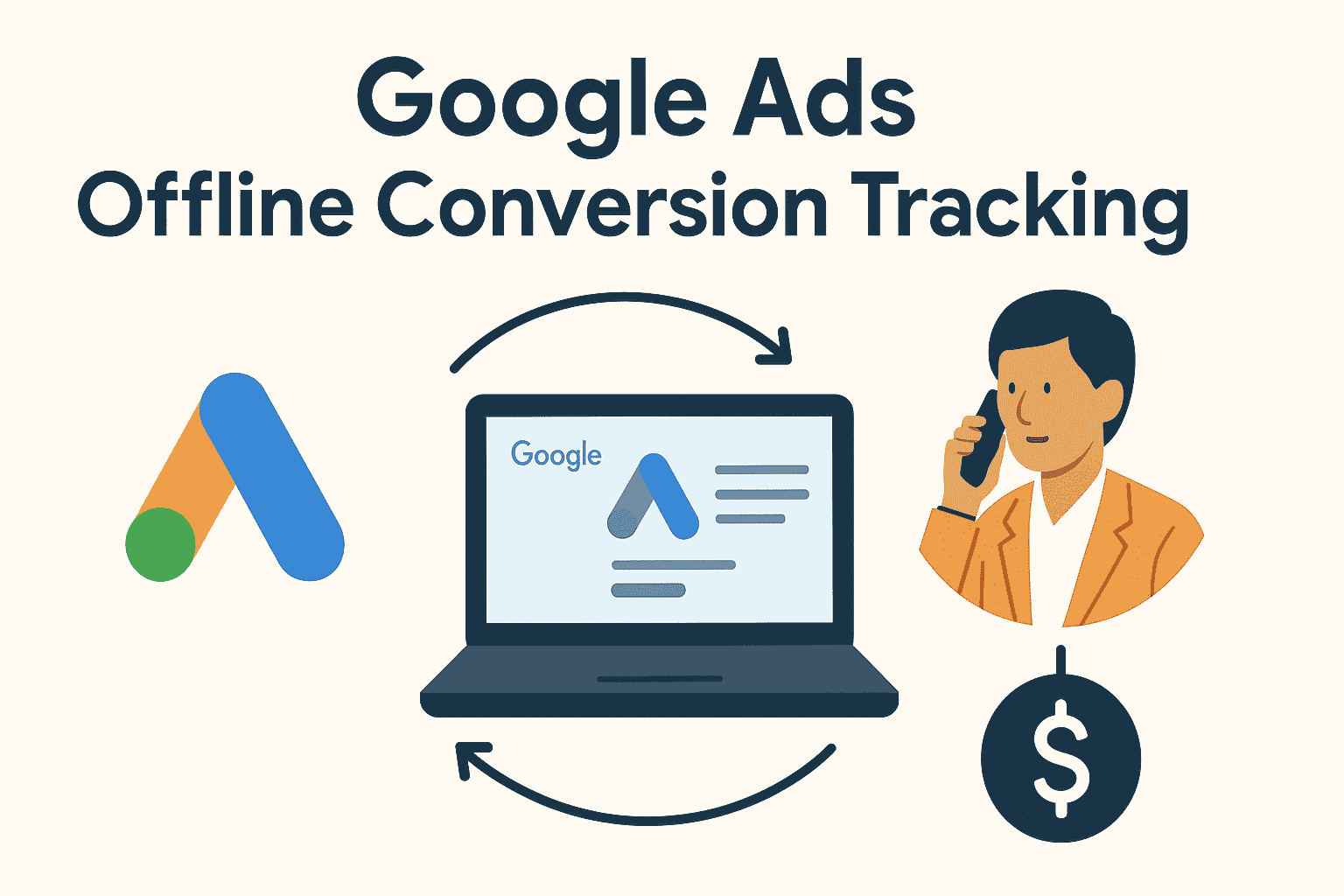
Google Ads Offline Conversion Tracking – Complete Guide by Ads Supremacy
At Ads Supremacy, we support brands that rely on high-value leads, inbound calls, store visits, and CRM-driven sales. When actions happen outside the website, standard digital tracking misses a large part of the customer journey. That gap affects bidding, reporting, and campaign decisions. Offline conversion tracking allows us to send accurate lead-status updates to Google Ads, turning raw interactions into real insights.
We follow a structured setup, connect your CRM, and sync your verified outcomes. This creates a clear path between your ads and final results such as closed deals, successful bookings, or completed payments. With this method, your campaigns grow with stronger signals and smarter automation.
What Is Google Ads Offline Conversion Tracking?
Offline conversion tracking allows businesses to record actions that happen after a user submits a form, calls, or interacts with an ad. These actions often occur in CRMs, call centers, or sales teams—not directly online.
We collect those events, match them with Google Click IDs (GCLID), and push the confirmed outcomes back to Google Ads. This creates a complete loop, showing which campaigns generate quality leads instead of just traffic.
When you upgrade campaigns with verified data, Google’s bidding adapts toward customers who convert at the highest rate, improving ROAS and lowering wasted spend.
What is Offline Conversion Tracking
Offline conversion tracking refers to capturing conversions that occur outside the website or app after a user interacts with a Google ad. These can include: phone calls, in-store visits or purchases, bookings made via call, in-person meetings, CRM-qualified leads, or any sales completed offline.
In simple terms: a user clicks your Google ad → lands on website or calls → downloads or books later offline → you record that action and send it to Google Ads → Google matches that action to the original ad click
Why Offline Conversion Tracking Matters
Offline conversion tracking matters for businesses that depend on phone calls, follow-up sales, long-cycle funnels, and high-ticket purchases. Many conversions cannot be captured instantly on the website. Without syncing offline events, Google Ads receives partial or incomplete signals.
We make sure your leads, appointments, walk-ins, and sales are correctly assigned to the exact keywords, ads, and campaigns that produced them.
More Accurate Attribution
Without offline conversion tracking, many sales or leads remain “invisible” to Google Ads. You may see clicks or form submissions — but not know who actually converted. Offline tracking closes that gap. With it, we can credit the right ad campaigns, keywords, and audiences for real-world conversions.
Better ROI Measurement
For businesses that rely on calls, walk-ins, or manual sales processes (common among service providers, local businesses, B2B firms), offline conversions give the real picture: how much return each ad is delivering. That enables smarter budget allocation and campaign decisions.
Optimising for Real-World Results
With offline data, we can optimize campaigns — bidding, targeting, ads — based on actual conversions, not just clicks or form fills. That ensures ads drive meaningful business outcomes, not just surface metrics.
Overcoming Tracking Limitations
Client-side tracking (on website) can be unreliable: ad blocking, browser restrictions, privacy settings can hamper data collection. Offline conversion tracking — especially via server-side or import processes — provides more durable, complete data for attribution.
Prerequisites for Setting Up Offline Conversion Tracking
Before implementing offline conversions, we ensure the following conditions are met:
- We enable auto-tagging in Google Ads so each ad click gets a unique identifier (GCLID — Google Click ID). This ID is necessary to match offline conversions back to the ad click.
- We have a reliable method to capture offline actions: CRM, phone call tracking, in-store sales records, or manual inputs.
- We maintain accurate records of when each offline conversion happened, and — crucially — the GCLID associated with that conversion (or other matching parameters).
- If we prefer automation, integration tools (CRM, spreadsheets, scripts, server-side tracking) are ready. For manual import, offline data should be compiled in a CSV or similar file.
Without these, offline conversion tracking won’t work — or data will be inaccurate.
Methods to Implement Offline Conversion Tracking
We choose the method based on your business type, resources, and how conversions happen. The main methods are:
1. Offline Conversion Import (GCLID-based)
This is the traditional method. Process:
- A user clicks a Google ad — URL auto-tagged and GCLID captured.
- User later converts offline (call, in-store purchase, CRM-funnel completion, etc.).
- We collect conversion data along with the associated GCLID.
- Prepare a data file (CSV) or use API, then upload to Google Ads (Measurement > Conversions > Import) or via server-side tool.
- Google matches the offline conversion to original ad click and reports it under “Conversions.”
This method is suitable when you handle calls, offline sales, or CRM-managed leads.
2. Enhanced Conversions for Leads (User-Provided Data)
For businesses capturing leads through forms (email, phone, other contact info), this method is simpler:
- Use a “User-Provided Data Event Tag” in Google Tag Manager (GTM) to capture lead info (phone, email).
- Once the lead converts offline (e.g. becomes paying customer via offline processes), upload or import that data (email/phone + timestamp) to Google Ads.
- Google matches the data to the original ad click (via hashed user data) and registers a “converted lead.”
This method works well for service businesses, consultation-based firms, agencies — wherever lead form submission starts the process.
3. Server-side Tracking + Automated Data Sync
For businesses using server infrastructure or headless setups, a server-side solution is more reliable:
- Use server-side GTM (sGTM) or server infrastructure to capture and send conversion data directly to Google Ads.
- Benefit: less dependence on client browser, less risk of blocked scripts or privacy-based restrictions.
- Especially useful for multi-channel businesses, offline-heavy transactions, stores, CRM-based sales flows.
Benefits of Offline Conversion Tracking for Your Business
Offline Conversion Tracking is one of the most effective ways to understand what happens after someone interacts with your ads. Many businesses receive phone calls, store visits, consultations, or in-person sales that never show up inside Google Ads. At Ads Supremacy, we use Offline Conversion Tracking to connect those real-world actions with your campaigns, leading to accurate data and stronger decisions. When you know which clicks drive actual results, your ad budget works harder and shows clear value.
We explain how Offline Conversion Tracking supports business growth, improves campaign structure, and delivers clearer insights across every marketing channel you run.
1. Accurate Measurement of Real Customer Actions
Many conversions happen outside websites, such as phone calls, walk-ins, or offline payments. Without Offline Conversion Tracking, these actions remain unreported. When we sync your offline data with Google Ads, each meaningful interaction becomes measurable. This clarity helps you understand which keywords, ads, or audiences play a real part in generating income. Instead of assuming performance, you view actual customer behavior across the full journey.
2. Better Decision-Making for Ad Budget Allocation
A major benefit of Offline Conversion Tracking is improved budget distribution. When you can match in-store or phone-based results to specific campaigns, it becomes easier to focus spending on what produces the highest value. We use this data to adjust bids, scale winning ad groups, and eliminate waste. Your monthly budget becomes precise, helping you prioritize campaigns responsible for stronger revenue.
3. Stronger Sales Funnel Tracking
Offline conversions allow you to track every step of your sales funnel more realistically. Many industries—such as real estate, finance, repair services, or healthcare—depend on human interactions before a final decision. We map those touchpoints with your Google Ads clicks through Offline Conversion Tracking. This structure helps identify where leads slow down, which follow-ups perform better, and which services get the most interest. You get a full view of your customer path from the first click to final sale.
4. Improved Smart Bidding Performance
Google’s Smart Bidding systems work best when they receive high-quality data. When only online conversions are tracked, Google’s algorithm receives incomplete signals. By adding Offline Conversion Tracking, we give Google a deeper understanding of meaningful actions such as bookings, closed deals, or verified sales. This strengthens bidding accuracy and supports improved cost per lead, return on ad spend, and conversion value.
5. Higher Lead Quality and Better Segmentation
Not all leads carry the same value. Some may come from audiences less aligned with your service. Offline Conversion Tracking separates qualified leads from unqualified ones by matching offline outcomes with ad clicks. We analyze this information to create stronger segments, exclude weak traffic sources, and highlight audiences more likely to convert offline. This refinement helps you reach the customers who matter most.
6. Clear Revenue Attribution
Businesses often struggle to identify which campaigns generate profitable outcomes. Offline Conversion Tracking solves this challenge by linking offline revenue back to specific keywords and ads. You can clearly see which search terms lead to higher income and which ads deliver stronger sales. This type of attribution creates transparent reporting, helping you monitor marketing performance with more confidence.
7. Better Alignment Between Marketing and Sales Teams
Marketing teams often depend on data, while sales teams rely on personal interactions. Offline Conversion Tracking connects both sides. By passing offline results into Google Ads, sales teams can contribute valuable insights that improve targeting. Marketing teams then refine campaigns based on real conversations and outcomes reported by sales. This alignment strengthens consistency across departments and creates a more efficient workflow.
8. Stronger Forecasting and Long-Term Planning
Business forecasting becomes more accurate when offline performance is included. With Offline Conversion Tracking, we review long-term patterns, analyze customer behavior, and predict what type of leads convert at higher rates. This helps in planning seasonal campaigns, adjusting budgets before major peaks, and preparing your business for upcoming demand. Reliable data supports long-term growth and smarter investment.
9. Improved Customer Lifetime Value (CLV) Insights
High-value customers often buy through multiple touchpoints that involve offline interactions. Offline Conversion Tracking allows us to measure those customers’ journeys and determine long-term revenue. Understanding lifetime value helps us adjust our campaigns to target buyers who deliver higher continued income instead of focusing only on short-term conversions.
10. Enhanced Reporting and Transparency
At Ads Supremacy, we aim to maintain clear reporting so you always know how your ads perform. Offline Conversion Tracking adds an extra layer of accuracy to your dashboards. Each sale, consultation, or follow-up that occurs outside your website becomes part of your reports. This transparency allows you to compare campaigns, assess month-by-month progress, and identify trends that contribute to improved ROI.
Offline Conversion Tracking Technical Overview
1. GCLID & GBRAID Matching
Every ad click contains unique identifiers.
We capture and store them automatically so offline events match perfectly inside Google Ads.
2. Secure Data Transfer
We follow strict data-handling methods to upload conversions without risks.
Your data is encrypted and transferred using safe protocols.
3. Multiple Upload Methods
We support manual uploads, automated pipelines, and API-based transfers depending on your system.
4. Real-Time Sync
For high-volume accounts, we set up near real-time syncing so Google Ads receives conversion data within minutes.
5. Multi-Stage Funnel Tracking
Each stage is tracked separately so bidding models learn user behavior at each point of conversion.
Step-by-Step: How We Set Up Offline Conversion Tracking for Our Clients
Here is the typical workflow we follow when implementing offline conversion tracking for a client:
- Initial Audit & Data Mapping
- We review how conversions happen (online form, call, walk-in, CRM, etc.).
- Decide which offline conversion method fits best (GCLID import, enhanced conversions, server-side, hybrid).
- Ensure infrastructure (CRM, call tracking, data collection) is ready.
- Enable Auto-tagging in Google Ads
- This ensures every ad click generates a GCLID. Without this, offline import won’t match conversions properly.
- Set Up Conversion Action in Google Ads
- Go to Tools & Settings → Measurement → Conversions → + New conversion action → Import → “Other data sources or CRMs.”
- Choose conversion type: offline sale, qualified lead, in-store purchase, phone sale, as relevant.
- Implement Data Capture Mechanism
- For GCLID import: ensure website or call-tracking system captures GCLID along with customer data.
- For enhanced conversions: implement a “User-Provided Data Event Tag” in GTM to capture phone/email on lead submission.
- For server-side: set up sGTM or server-side infrastructure to collect and send conversion events.
- Organise Offline Conversion Data
- Use CRM, spreadsheet, backend database to store: GCLID or user data (email/phone), conversion date/time, conversion value, conversion type.
- For manual or scheduled upload: prepare CSV or compatible format.
- For automation: set up scripts or integration (CRM → Google Ads, or via tools like Zapier).
- Upload/Import Offline Conversions
- Via Google Ads UI (Conversions → Imports → Upload file), or
- Via Google Ads API (recommended for large volume)
- Use proper timestamp, currency, conversion value, and correct GCLID or user data.
- Verify and Monitor
- After import, check diagnostic reports — Google provides feedback if any conversions fail to match.
- Ensure conversion attribution appears in Google Ads campaign reports.
- Adjust campaigns, bidding, budget based on offline conversion data for better ROI.
Common Scenarios Where Offline Conversion Tracking Is Vital
As an agency, we often recommend offline conversion tracking to clients in the following cases:
- Service-Based Businesses: Plumbing, roofing, real estate agencies, consultancy, B2B services — where clients usually contact via phone, email or visit offices.
- Local Businesses with Walk-ins: Shops, clinics, salons, local stores — customers may first visit via ad interest then buy in-person.
- High-Value Purchases or Long Sales Cycle: Cars, real estate, expensive services — where lead generation starts online but sale closes offline after negotiation.
- Multi-Channel Sales Funnels: Leads come via website, social media, call centers, CRM — even if sales finalize over phone or in office.
- Businesses Using CRM / Call Tracking / Offline Sales Tools: When data lives outside the website, and proper capture/import pipeline exists.
For such clients, offline conversion tracking provides clarity about what truly works.
Challenges & How We Overcome Them
Offline conversion tracking is powerful — but it comes with some challenges. We handle them proactively.
1. Data Accuracy & Hygiene
Offline data often lives in CRMs, spreadsheets, or manual logs — human error, missing GCLIDs, inconsistent date formats can cause mismatches.
Our solution: Standardise data collection templates, automatically capture GCLIDs, validate records before import, and run periodic audits.
2. Time Lag Between Click and Conversion
Offline conversions may happen days, weeks, or even months after ad click — this delays visibility in Google Ads.
Our approach: We maintain conversion windows (GCLID validity), and when importing, ensure correct click date is sent, so attribution stays accurate.
3. Integration Complexity
Not all CRMs or call-tracking systems integrate out-of-the-box with Google Ads. Manual import can be tedious.
Our approach: We use automation tools (e.g. Zapier, server-side GTM) when possible; for manual pipelines, we build structured workflows to minimise errors.
4. Privacy and Data Compliance
Uploading user data (phone, email) to external platforms raises privacy concerns.
Our approach: Ensure data is hashed/secured, compliance with local privacy laws, and only collect necessary minimal data for matching — following Google’s guidelines.
Why Ads Supremacy Is the Right Choice for Your Offline Conversion Tracking
At Ads Supremacy, we have extensive experience handling ad campaigns that partially or fully convert offline. Here’s what sets us apart:
- We design the entire conversion pipeline: from ad click → capture → offline transaction → data import → campaign analysis. No loose ends.
- We customise tracking based on business type: lead form, phone call, in-store sale, CRM conversion — choosing the method that fits best.
- We implement automation and backups (server-side tracking, CRM-GAds integration, scheduled uploads) to safeguard against data loss or mismatch.
- We deliver insightful reporting: not only conversion counts, but real ROI metrics — what you spent vs what you earned via offline conversions.
- We stay updated with best practices and Google’s latest tools (e.g. server-side GTM, enhanced conversions, API imports) to maximize tracking reliability.
By partnering with us, you don’t just get ads — you get a full system that captures real-world results, attributing them accurately to your marketing spend.
When Offline Conversion Tracking Is Not Enough — Complement with Online Conversion Tracking & Analytics
Offline tracking is powerful — but it should go hand-in-hand with proper online conversion tracking (website events, form submissions, call-to-action clicks) and analytics tools (e.g. Google Analytics, server logs, CRM analytics). This hybrid setup lets you see the full customer journey:
- Who clicked the ad,
- What they did on-site,
- Did they call, request a quote, or drop contact info,
- Did they convert offline — and when?
This holistic view helps refine campaigns, improve messaging, and allocate budget more effectively.
Industries That Benefit Most
Offline conversion tracking is ideal for:
- Real estate
- Law firms
- Medical clinics
- Automotive
- Home services
- Education institutions
- Insurance
- Travel agencies
- High-ticket e-commerce
- Roofing, plumbing, and repair services
We specialize in helping service businesses that depend on consultation, phone-based leads, and manual follow-ups.
Frequently Asked Questions (FAQ)
Q: What counts as an offline conversion?
A: Any meaningful action not completed on your website or app — phone calls, in-store purchases, CRM-qualified leads, offline sales, bookings, etc.
Q: Can any business use offline conversion tracking?
A: Yes — but it’s most useful for service-based, B2B, local, or high-ticket businesses where final transaction happens offline. For purely e-commerce stores where sale happens online, standard conversion tracking may suffice.
Q: What if we don’t capture GCLID?
A: Then offline conversion matching becomes unreliable. Without GCLID or proper user data, Google can’t attribute offline conversions to the right ad click. We strongly recommend enabling auto-tagging and capturing GCLID at click time.
Q: Do we have to manually upload data each time?
A: Not necessarily. You can automate uploads via CRM, server-side scripts, Google Ads API, or tools like Zapier. Ads Supremacy can set up automation so you don’t need to manually upload conversion data.
Q: Is offline conversion tracking reliable?
A: Yes — if implemented correctly. Server-side tracking, automation, and proper data hygiene make offline conversion tracking more robust than relying solely on client-side website tracking (which may break due to ad blockers or privacy restrictions).
Conclusion: Unlock Real-World Results with Offline Conversion Tracking
If your business depends on calls, walk-ins, or offline sales — you can no longer rely solely on online metrics. Offline conversion tracking bridges the gap between digital ads and real-world outcomes.
At Ads Supremacy, we build complete conversion and tracking systems for clients — ensuring every offline sale, lead, or booking gets captured, attributed, and reported. That way, you truly understand which campaigns, keywords, or ads drive value.
If you’re ready to set up offline conversion tracking for your business — or want to audit and improve your existing setup — get in touch. We’ll handle everything: from tracking to reporting to optimization, making your Google Ads campaigns more powerful and accountable.